


VirtualSociety 2.2.2
Version 2.2.2
Version 2.2.1
Version 2.2.0
Version 2.1.9
Version 2.1.8
Version 2.1.7
Version 2.1.6
Version 2.1.5
Version 2.1.4
Version 2.1.3
Version 2.1.2
Version 2.1.1
Version 2.1.0
Version 2.0.9
Version 2.0.8
Version 2.0.7
Version 2.0.6
Version 2.0.5
Version 2.0.4
Version 2.0.3
Version 2.0.2
Version 2.0.1
Version 2.0.0
Version 2.2.1
Version 2.2.0
Version 2.1.9
Version 2.1.8
Version 2.1.7
Version 2.1.6
Version 2.1.5
Version 2.1.4
Version 2.1.3
Version 2.1.2
Version 2.1.1
Version 2.1.0
Version 2.0.9
Version 2.0.8
Version 2.0.7
Version 2.0.6
Version 2.0.5
Version 2.0.4
Version 2.0.3
Version 2.0.2
Version 2.0.1
Version 2.0.0
|
|
|
|
|
|
VirtualSociety 2.2.2
current version
VirtualSociety
- Characters and NPCs
- Character names
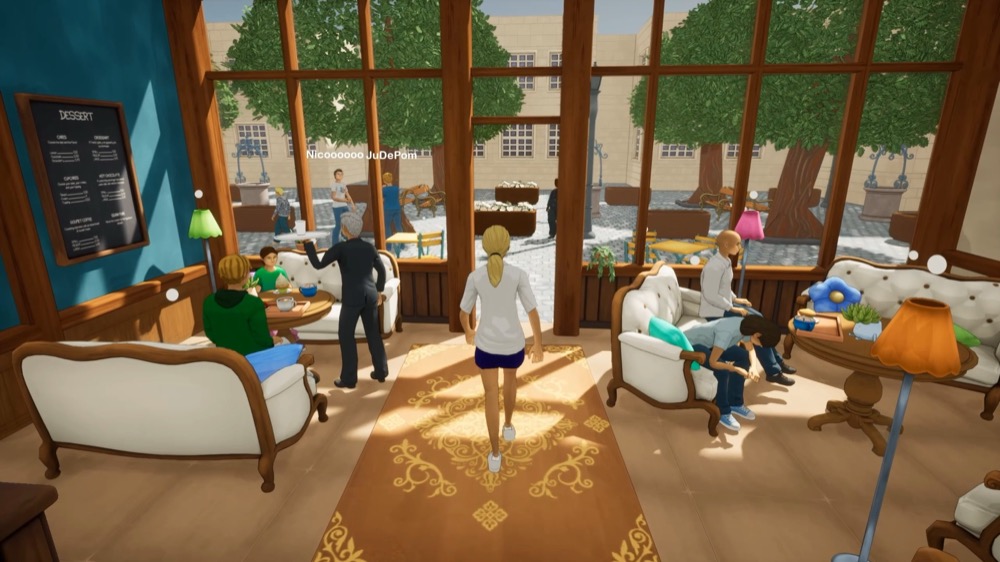
- NPC names are now displayed above their heads
- New World Editor option to show or hide each NPC’s name
- Improved nameplate styling using theme settings
- Proximity detection is now disabled when an NPC’s nameplate is hidden
- Fixes
- Fixed character portrait saving
- Fixed characters remaining attached to their seats after standing up
- Reduced movement jitter in multiplayer
- Character names
- Gameplay and interactions
- God mode
- God mode can now be launched from the phone’s Map app
- New toolbar for restarting scripts that run at the beginning of a game
- Added the ability to pause or resume the simulation
- Added the ability to speed up the simulation to x2 or x3
- Added the ability to stop active scripts, movement and animations
- New button to focus the camera on the selected character
- Added a ghost mode that allows the camera to move through objects
- Improved camera rotation, zoom and movement
- Added keyboard shortcuts and tooltips for the main controls
- God mode
- World Editor
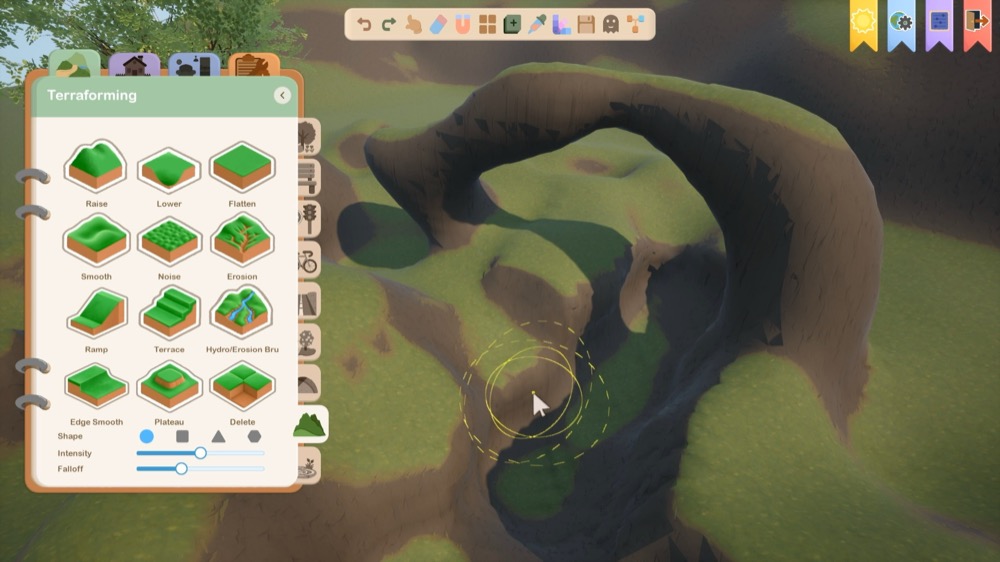
- Dynamic terrain
- New voxel terrain that can be edited in real time
- Tools for raising, digging, flattening and smoothing the terrain
- Added advanced tools for creating noise, erosion, ramps, terraces and plateaus
- Added tools for drilling, filling or deleting terrain areas
- Choose between circular, square, triangular or hexagonal brushes
- Adjustable brush radius, intensity and falloff
- Preview of the brush shape and affected areas
- Persistent saving of terrain changes with the world
- Improved terrain data synchronization
- Optimized terrain loading, collisions, levels of detail and serialization
- Stairs
- New spiral staircase creation tool
- Adjustable height, width, radius and number of steps
- Adjustable height per turn for spiral staircases
- New controls for rotating stairs and adjusting each endpoint independently
- Added parameter limits to prevent invalid geometry
- Fixed material application on stairs
- Improved character navigation on stairs
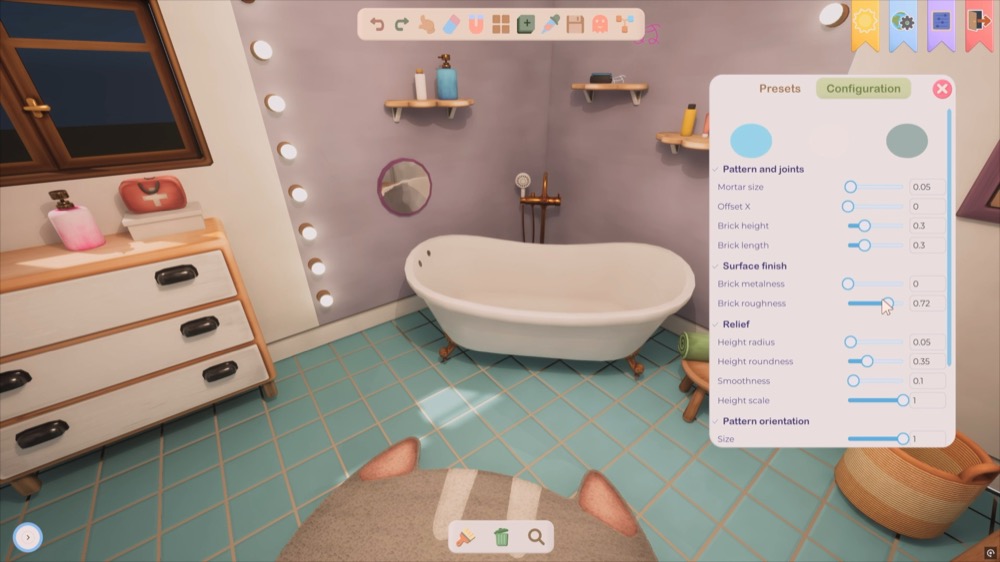
- Walls, rooms and floors
- Improved the creation and editing of straight and curved walls
- Fixed several wall connection and intersection issues
- Walls can no longer be added twice to the same intersection
- Fixed inverted normals and distorted textures around certain intersections
- Added visual indicators for wall direction and intersection points
- Improved floor creation, movement and deletion
- Fixed upper-floor creation and floors that could disappear
- Improved undo and redo support for room edits
- Roofs
- Added roof snapping to walls
- The eyedropper tool can now be used between walls and roof gables
- Added a preview when automatically creating a roof
- Improved the creation and editing of curved roofs
- Tools
- New duplication tool in the toolbar
- Duplicated objects now preserve the source object’s position, rotation, scale and parent
- Fixed duplication with the
Altkey so that the copy, rather than the original object, is moved - Objects can now be duplicated with the eyedropper tool
- Creation tools can now place several objects in succession
- Improved snapping to the grid, walls and intersections
- Added snapping points to windows
- PointLight, SpotLight and RectLight now have separate creation tools
- Added a new arc shape to the catalog
- Dynamic terrain
- Scenario / scripting
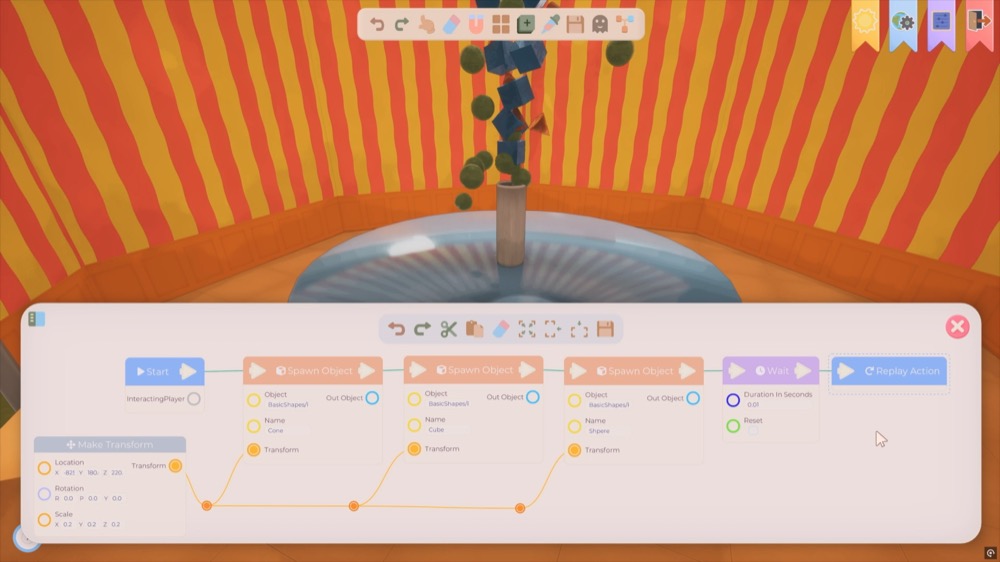
- New nodes
SequenceGateSwitchOnIntSwitchOnStringMakeBoolMakeIntMakeFloatMakeStringIntToFloatFloatToIntToStringGetArrayItemGetArrayLengthListContainsFindListItemAppendListItemRemoveListItemDivideClampFloatMinFloatMaxFloatAbsoluteFloatRandomFloatGetTimeIsTimeBetweenGetObjectLocationGetObjectDirectionInteractOpenPopupSetEnableGravitySetSimulatePhysics
- Node editor
- New curve editor integrated directly into compatible pins
- Improved nodes with dynamic inputs or outputs
- Improved node search and autocomplete
- Fixed the
SetObjectTransformnode - Added an option to preserve world-space transforms
- Dialogs
- The
OpenPopupnode now provides a typed result and an execution output - Added buttons for playing or replaying voice lines in dialogs
- Added audio controls to dialogs containing illustrated choices
- The
- Characters and movement
- The
Speaknode now accepts a curve for precise control over mouth movement, with or without an audio file - Improved the
Patrolnode for more reliable movement along open or looping paths - Gravity and physics simulation are disabled by default in their new nodes
- The
- New nodes
- Rendering and performance
- Added Lumen support for dynamic terrain
- Added Lumen support for procedural meshes and glTF objects loaded at runtime
- Improved the rendering of wall openings with Lumen
- Improved support for translucent materials and glass
- Improved the rendering of procedural materials, skin and emissive colors
- Adjusted Lumen rendering on macOS for improved compatibility
- Interface and miscellaneous
- Added a visual cursor to the phone
- Improved phone navigation with keyboard, controller and mouse
- Fixed dialog focus when displayed over the login form
- Improved the styling of search lists and several icons
- Fixed several crashes in the World Editor, development tools and packaged builds
- Various stability and performance improvements
No comment yet