Life simulation
- Move in your households and decide how their days unfold
- Look after their needs, build relationships and develop skills
- Pause for a moment or speed up time
- Direct their actions or let them get on with life, then step into one of their shoes
We’re developing residents whose personalities and memories shape their decisions. This part of the simulation is still a work in progress.
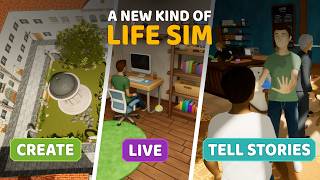 Is VirtualSociety a life simulation game?
Watch on YouTube
Is VirtualSociety a life simulation game?
Watch on YouTube
Play as a resident
- Create your residents, shape their faces and bodies, and put together their outfits
- Walk around in first or third person
- Step inside a place and use the objects you find there
- Visit, roleplay or meet up with other players
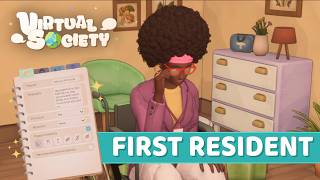 Creating Helena, our first resident
Watch on YouTube
Creating Helena, our first resident
Watch on YouTube
Build
- Build a home, a neighbourhood or an entire city in an open world
- Draw straight or curved walls, adjust their height and place doors and windows
- Move and edit several objects at once, with snapping on or off
- Change objects’ dimensions, colours, materials and textures
- Sculpt hills, dig caves and carve out natural arches
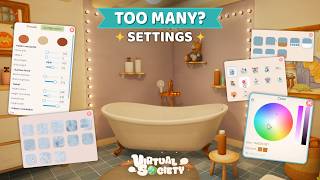 Customise objects without starting from scratch
Watch on YouTube
Customise objects without starting from scratch
Watch on YouTube