Follow the main development priorities for VirtualSociety, from creative tools to residents, interactions, sharing and playtests. This page shows work priorities, not release dates: their order and detail may change as development progresses.
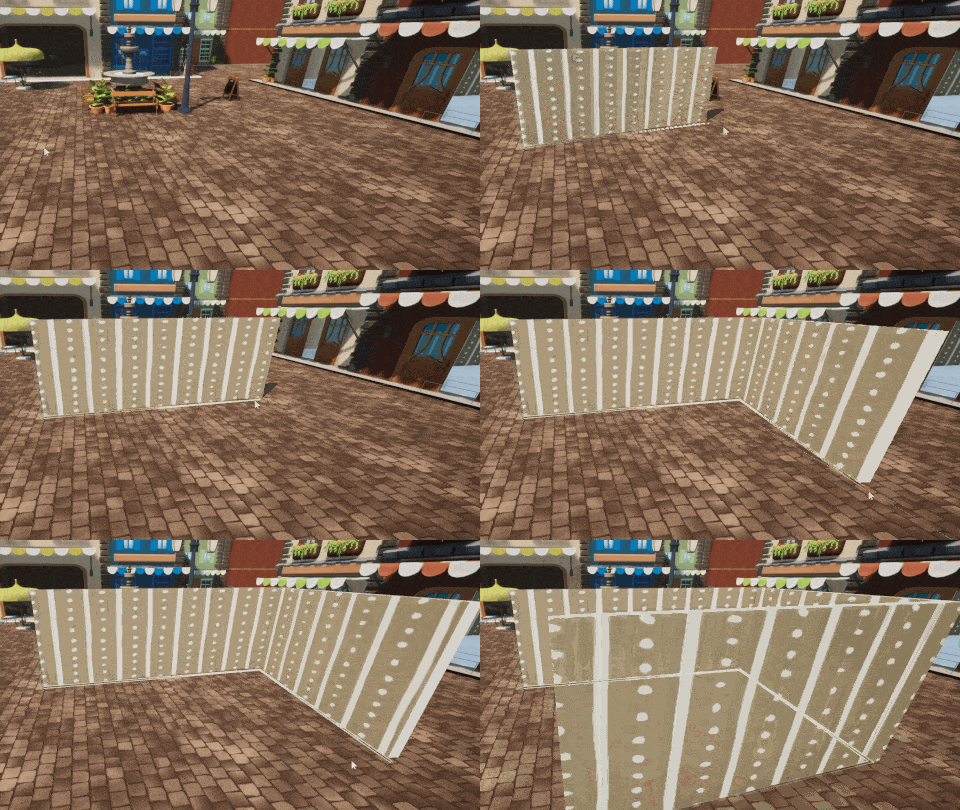
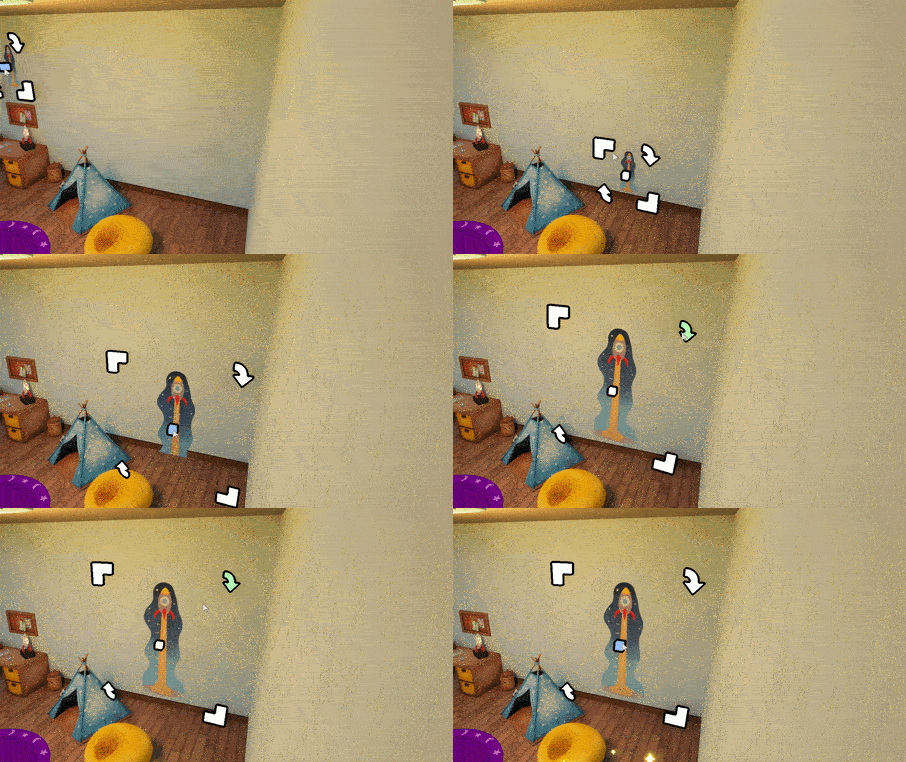
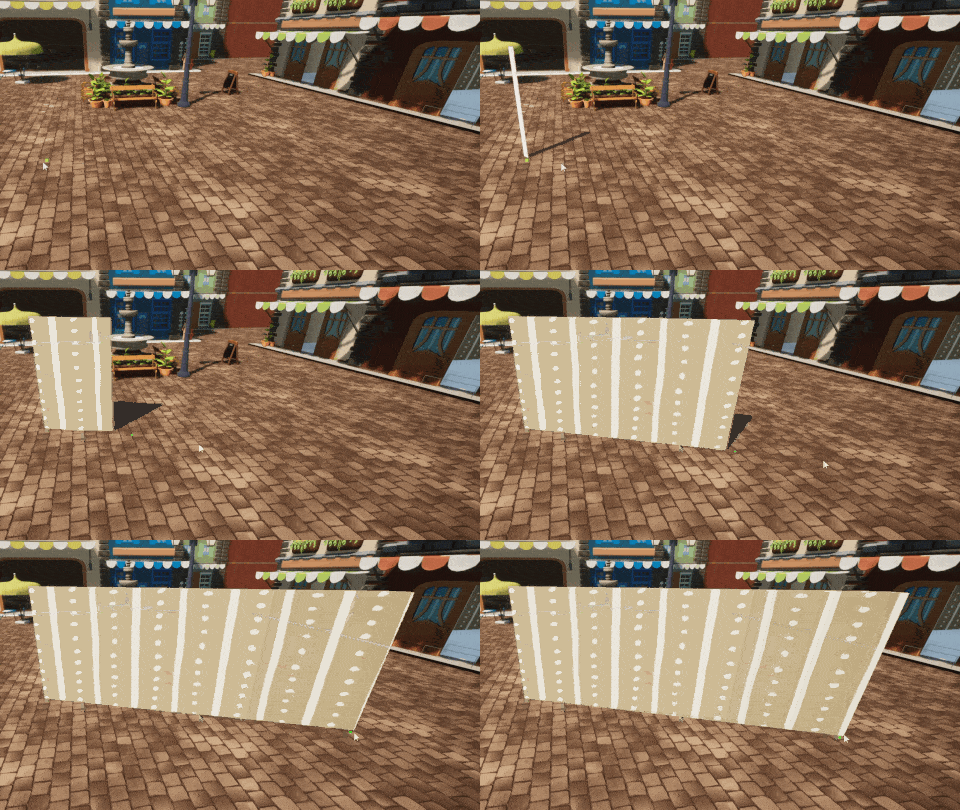
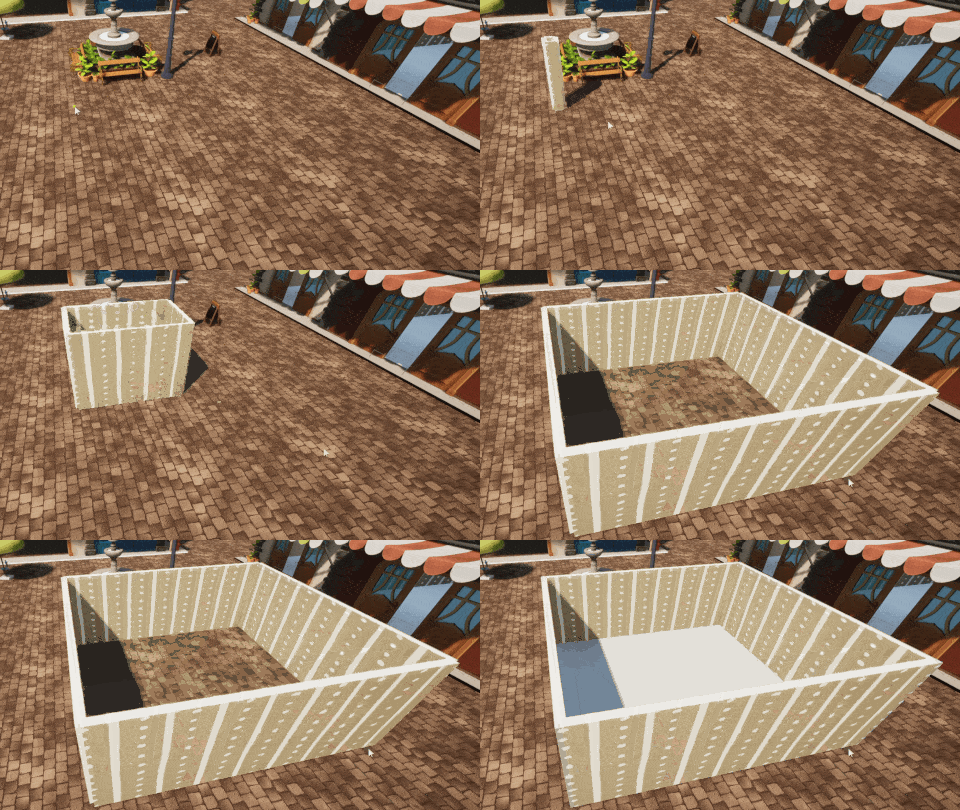
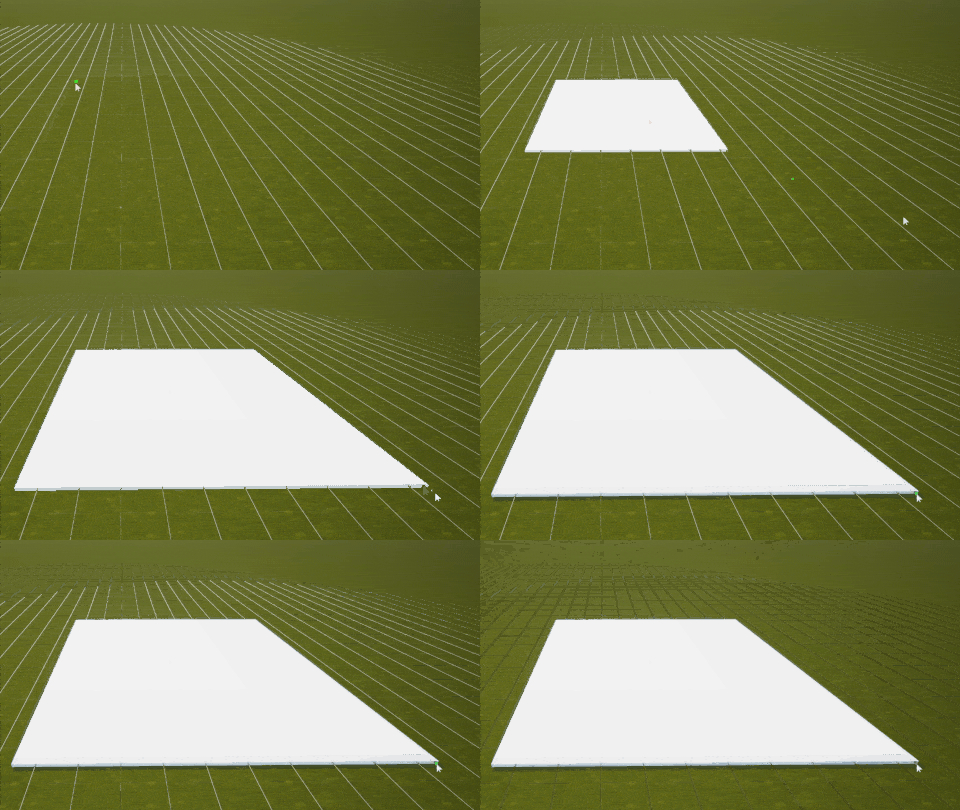
Create straight wallvery high priority Create straight wall with a fixed height
Assigned to Jimmy
Edit wall heighthigh priority Assigned to Jimmy
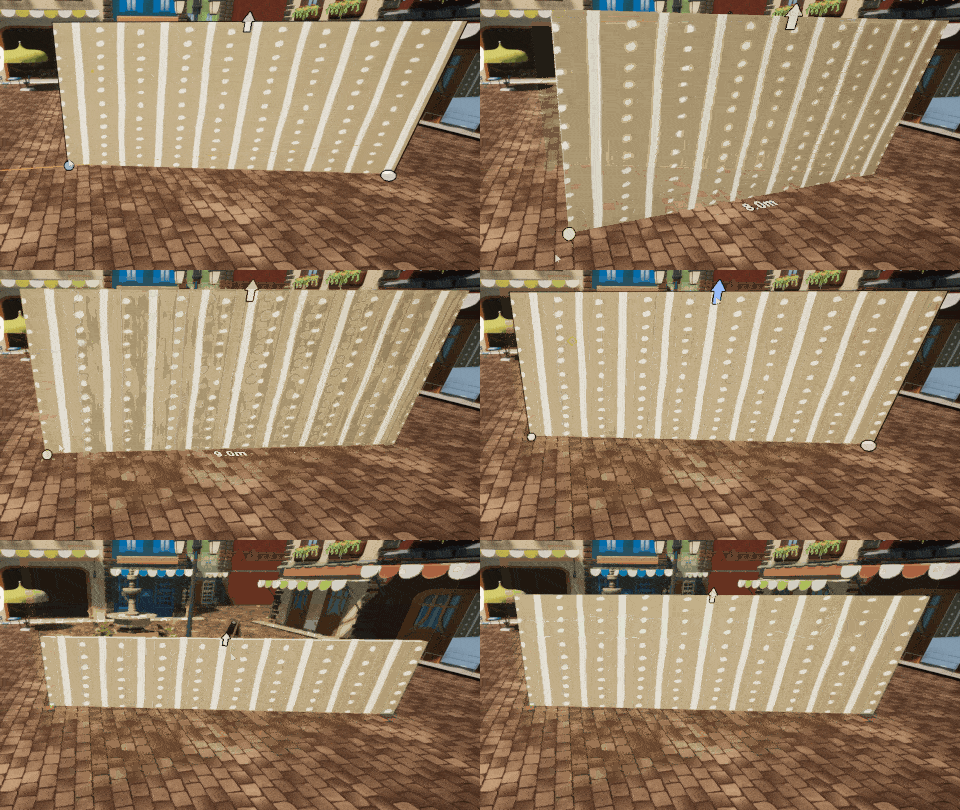
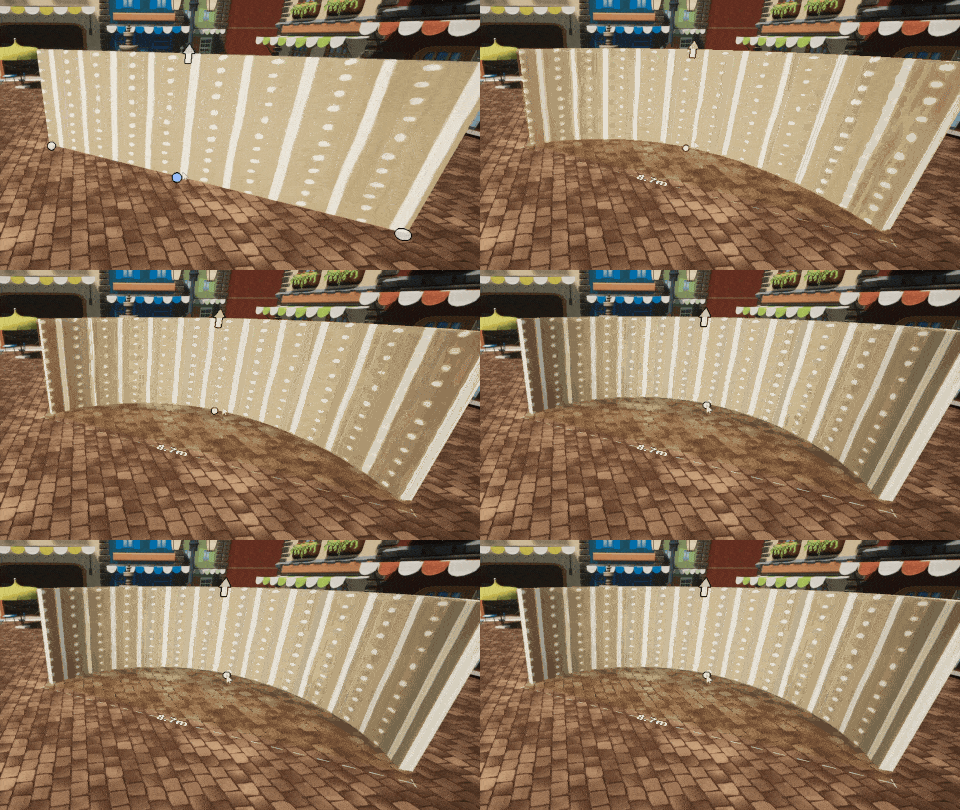
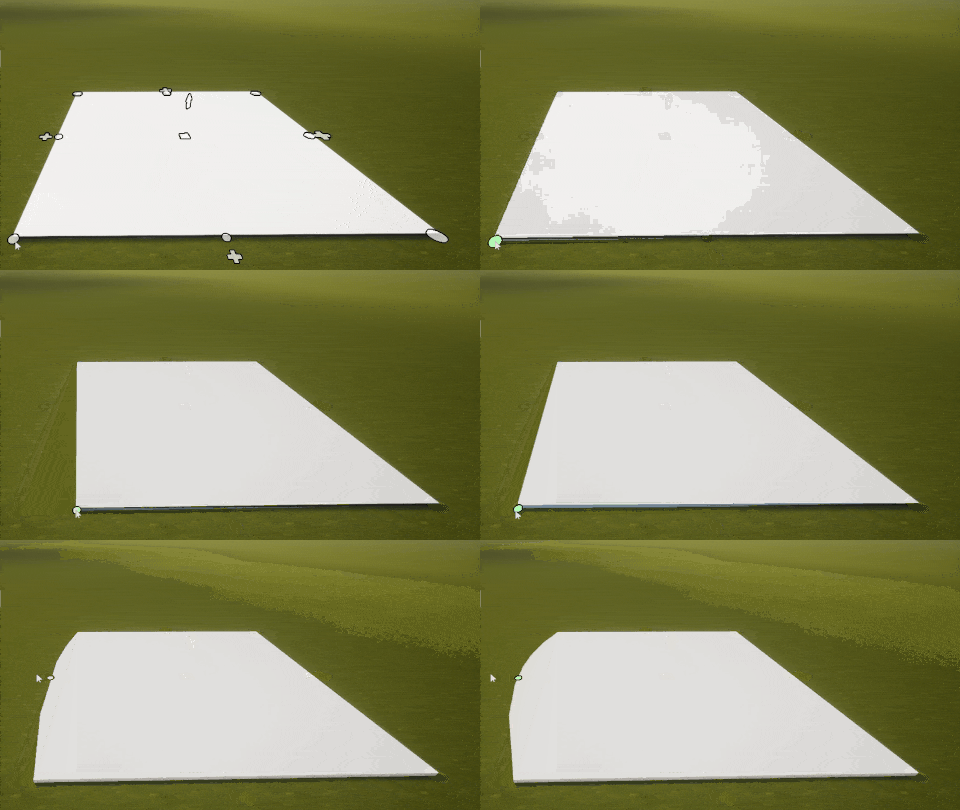
Create curved wallvery high priority Assigned to Jimmy
Variable width (top and bottom) Assigned to Jimmy
Variable height Assigned to Jimmy
Flat cap Assigned to Jimmy
Round caplow priority Assigned to Jimmy
Texture by side Assigned to Nicolas
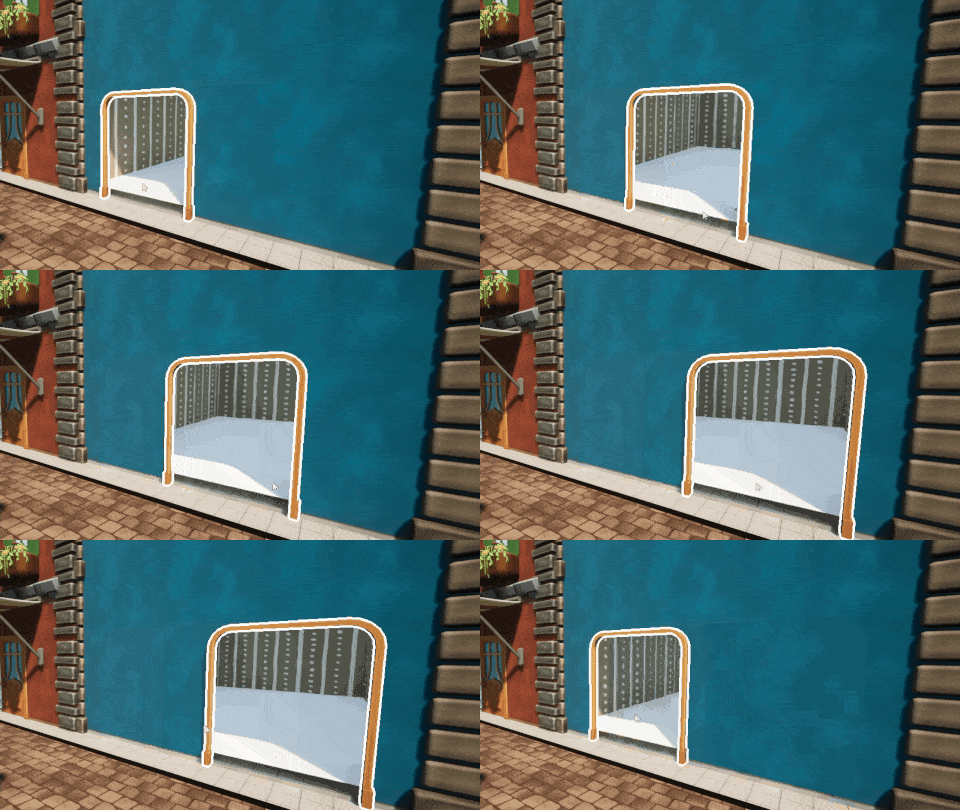
Holes for door and windows (mask) Assigned to Nicolas
Flat cap Assigned to Nicolas
Round caplow priority Assigned to Jimmy
UI to choose intersection stylelow priority Assigned to Nicolas
Basic action - 2 clicksvery high priority Click on floor: Start a wall - Click on floor: End the wall
Assigned to Jimmy
Basic action - click + dragvery high priority Click -> drag, wall start at the click, and end a the drop
Assigned to Jimmy
Without snapping [CTRL]low priority Disable the snapping by pressing [CTRL]
Assigned to Jimmy
Particles and polish Assigned to Logan
Basic action - 3 clickshigh priority Assigned to Jimmy
Basic action - drag&drophigh priority Assigned to Jimmy
Without snapping [CTRL]high priority Assigned to Jimmy
Particles and polishlow priority Assigned to Logan
Fix intersections Assigned to Logan
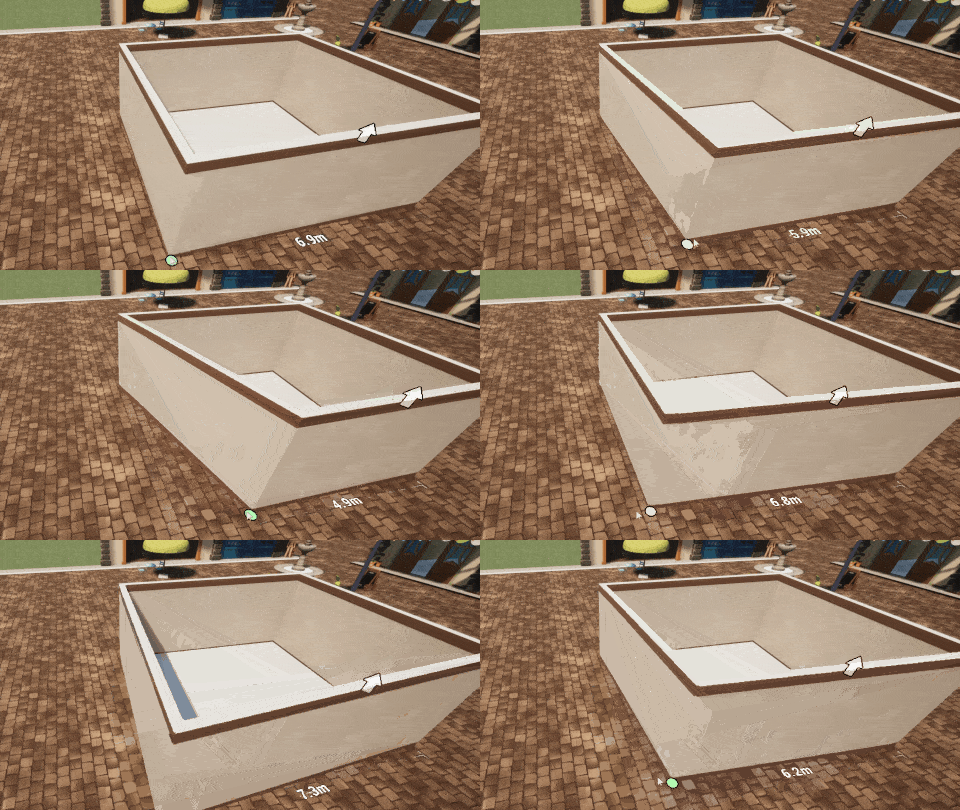
Basic room creation Assigned to Jimmy
Smart snapping Assigned to Logan
Particles and polish Assigned to Logan
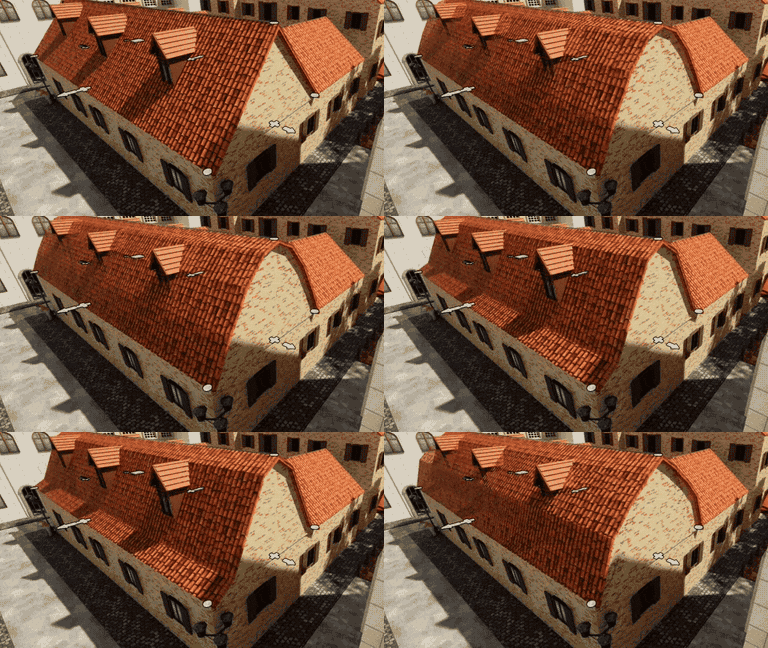
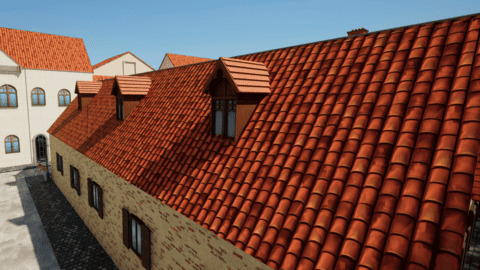
Simple roofs2
Roof accessories2
Complex roofs1
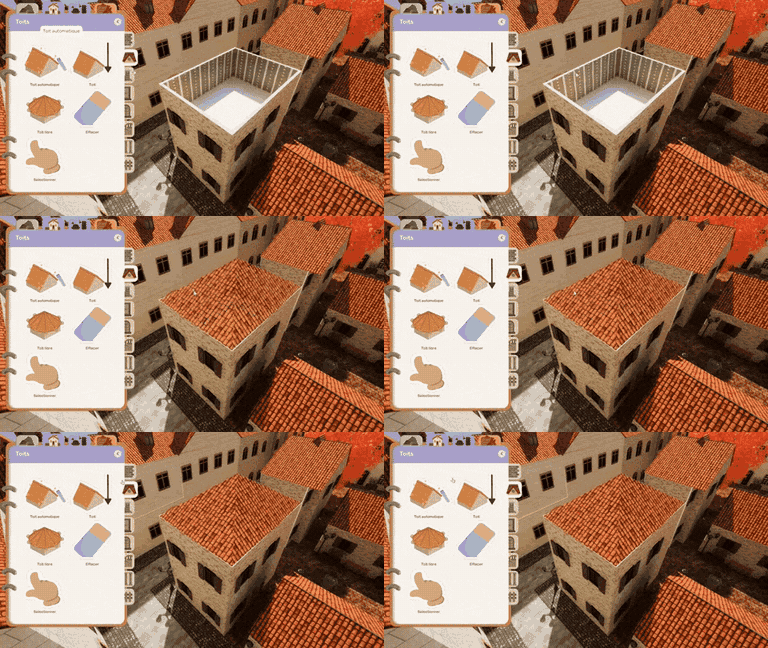
Automatic roofs1
Draw a roof between 2 wallsvery high priority Assigned to Jimmy
New roof system Assigned to Logan
Chimney placement Assigned to Logan
Gutters Assigned to Nicolas
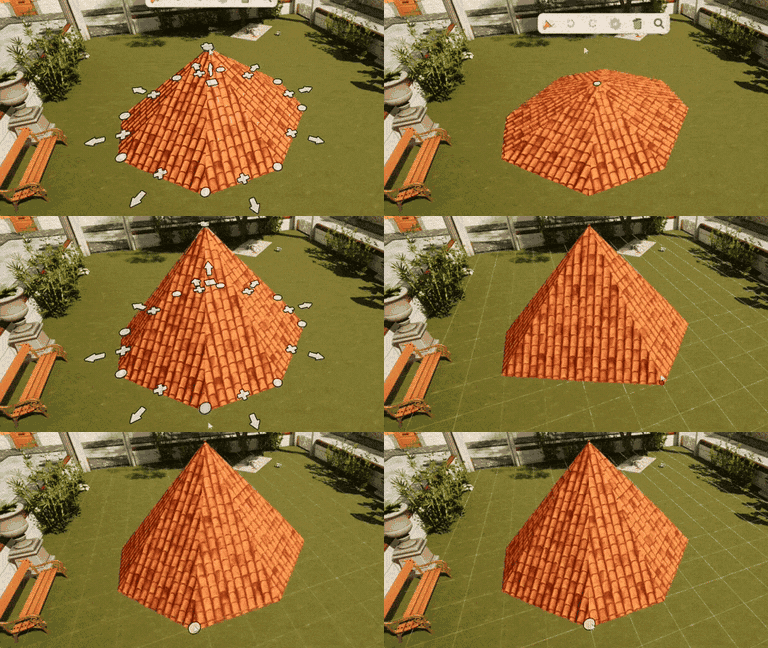
Roof shape edition Assigned to Logan
Auto roof for a room Assigned to Logan
Floor creation3
Floor edition3
Floor design1
Detect cycles between walls Assigned to Logan
Automatic floor tool Assigned to Logan
Floor snapping to wall and grid Assigned to Jimmy
Curved floors Assigned to Jimmy
Edit floor curves Assigned to Jimmy
Add and remove points in floors Assigned to Jimmy
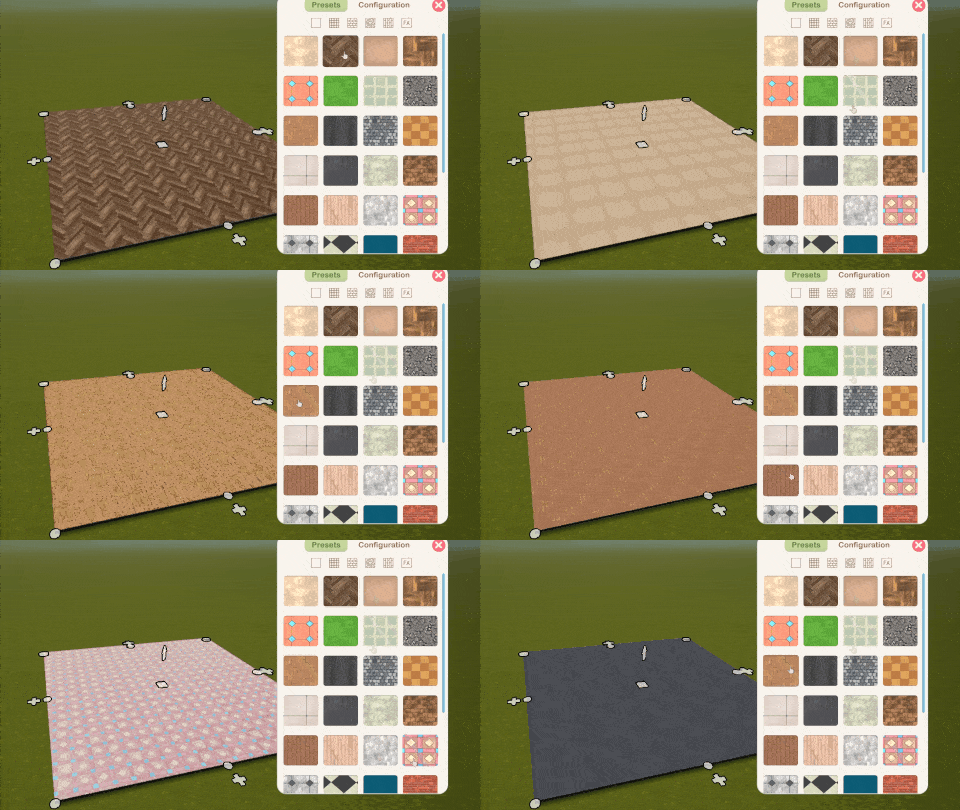
Edit floor materials Assigned to Jimmy
Simple stairs8
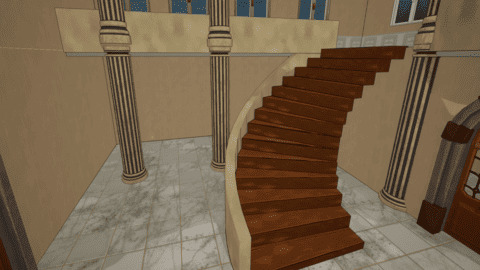
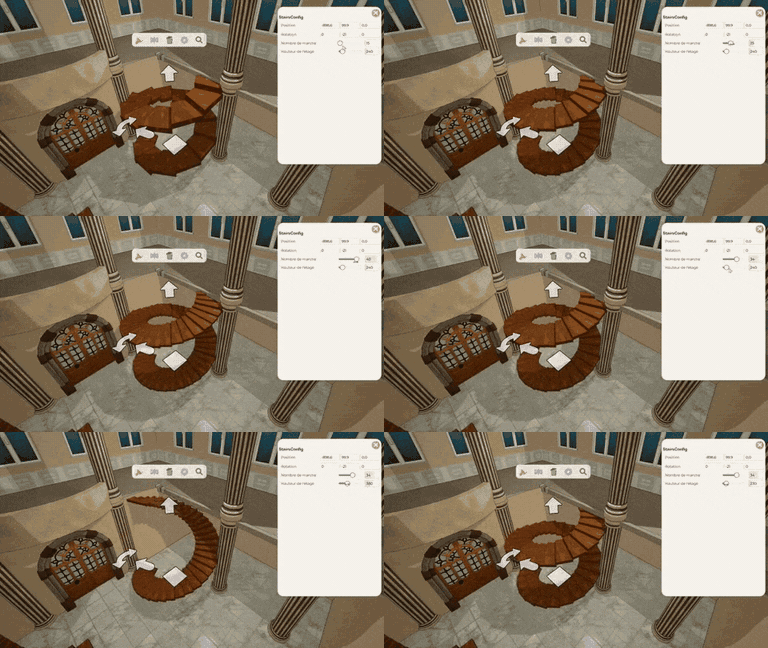
Spiral stairs4
Draw stairs Assigned to Jimmy
Snapping to a floor Assigned to Jimmy
Holes in floors Assigned to Jimmy
Choose stair style Assigned to Jimmy
Ramp style Assigned to Jimmy
Particles and polish Assigned to Jimmy
Snapping to grid Assigned to Jimmy
Edit stairs Assigned to Jimmy
Create spiral stairs Assigned to Logan
Holes in floors Assigned to Logan
Particles and polish Assigned to Logan
Snapping to a floor Assigned to Logan
Undo/Redo3
Defining Interfaces Assigned to Jimmy
Undo / redo actions Assigned to Jimmy
Multiplayer undo / redo Assigned to Jimmy
Basic objects6
Wall objects4
Search and filter3
List options2
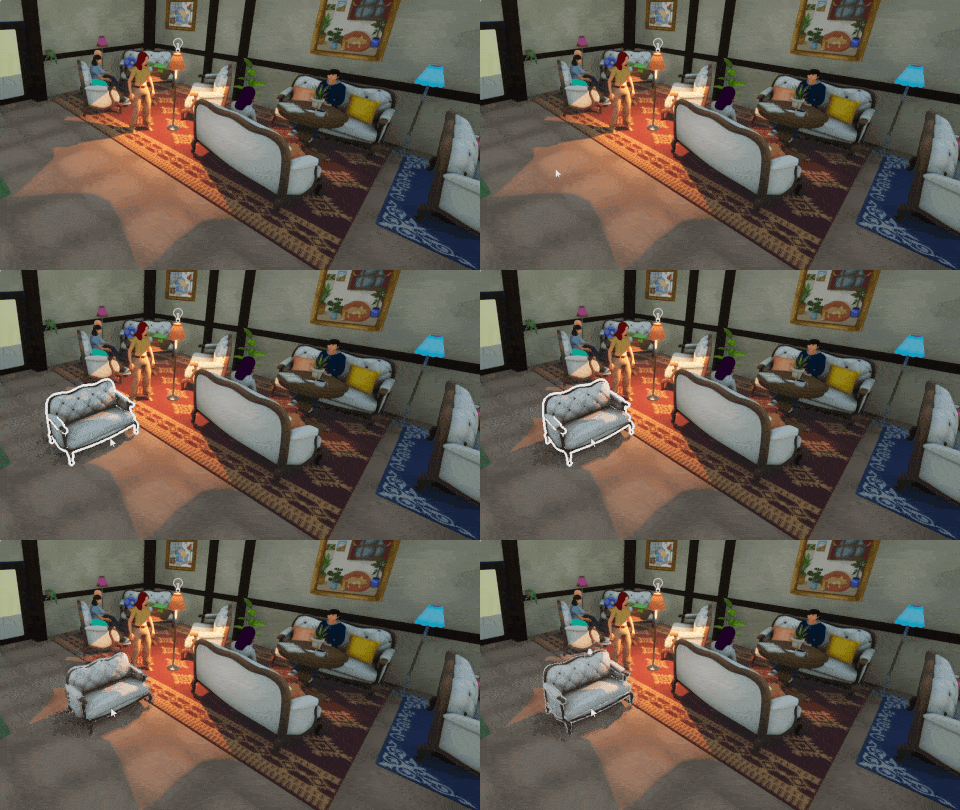
Object selection Assigned to Nicolas
Place multiple objects Assigned to Nicolas
Snapping option Assigned to Nicolas
Intelligent snapping Assigned to Nicolas
Polished snapping Assigned to Nicolas
Particles and polish Assigned to Logan
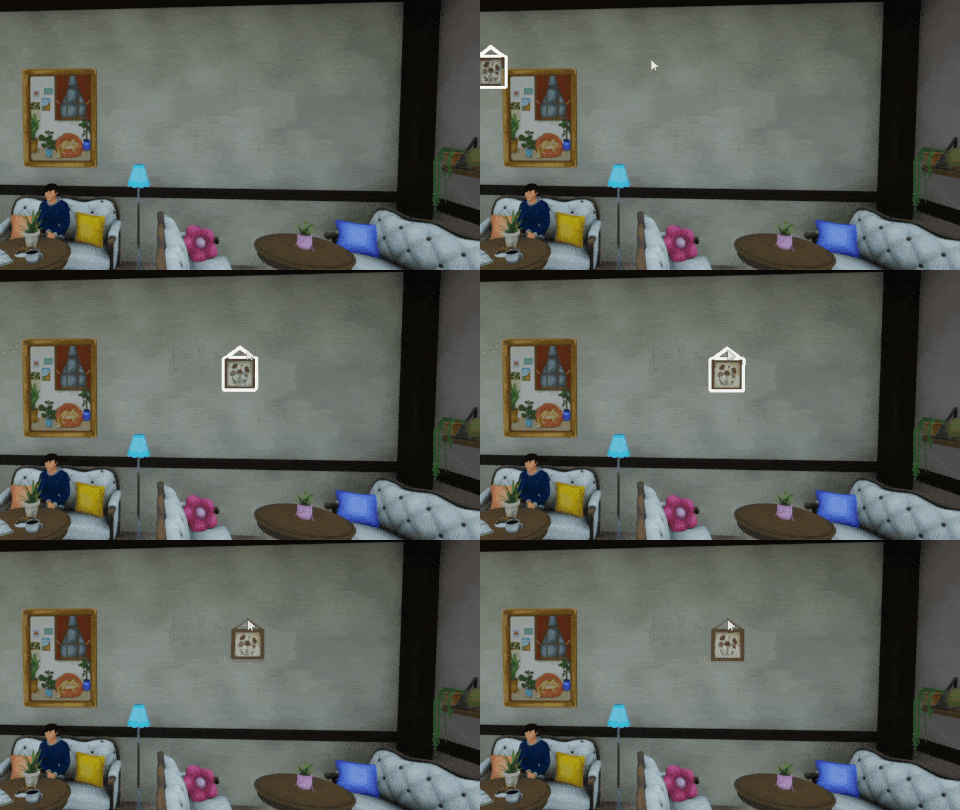
Place on wall Assigned to Nicolas
Wall snapping Assigned to Nicolas
Wall alignment Assigned to Jimmy
Move with wall Assigned to Jimmy
Tags Assigned to Nicolas
Custom search Assigned to Nicolas
Tags and words translation system Assigned to Nicolas
Change list first preset Assigned to Nicolas
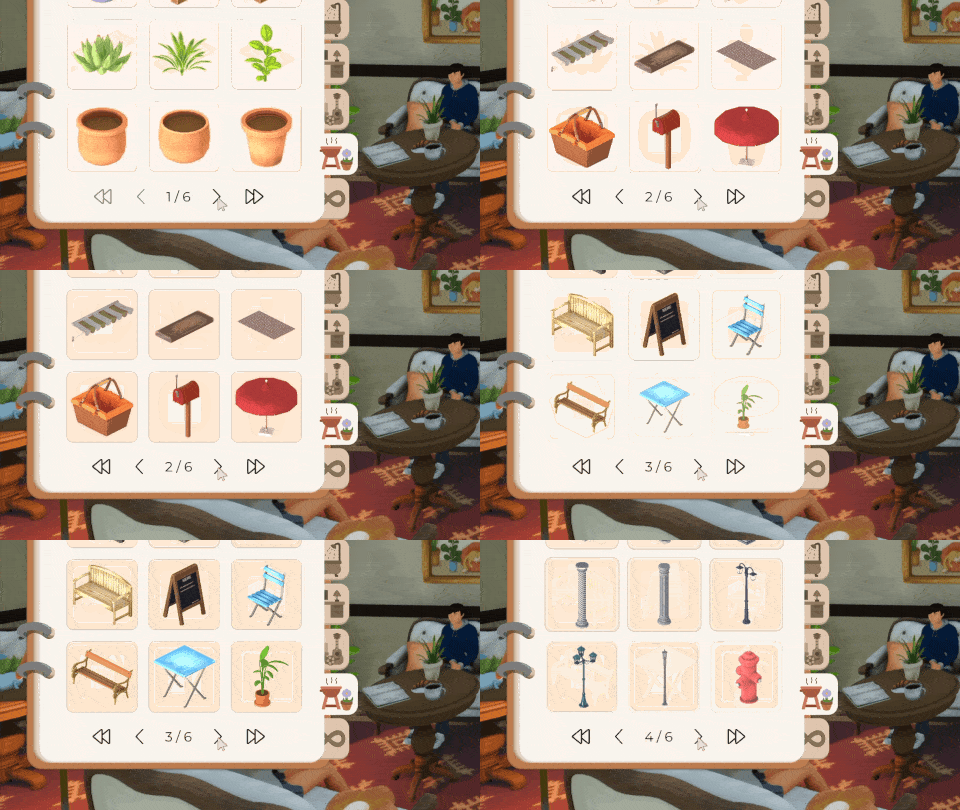
Pagination Assigned to Nicolas
Hole system2
Doors tools5
Windows tools3
Hole system on thin walls Assigned to Nicolas
Hole system for complex wallsvery low priority Assigned to Jimmy
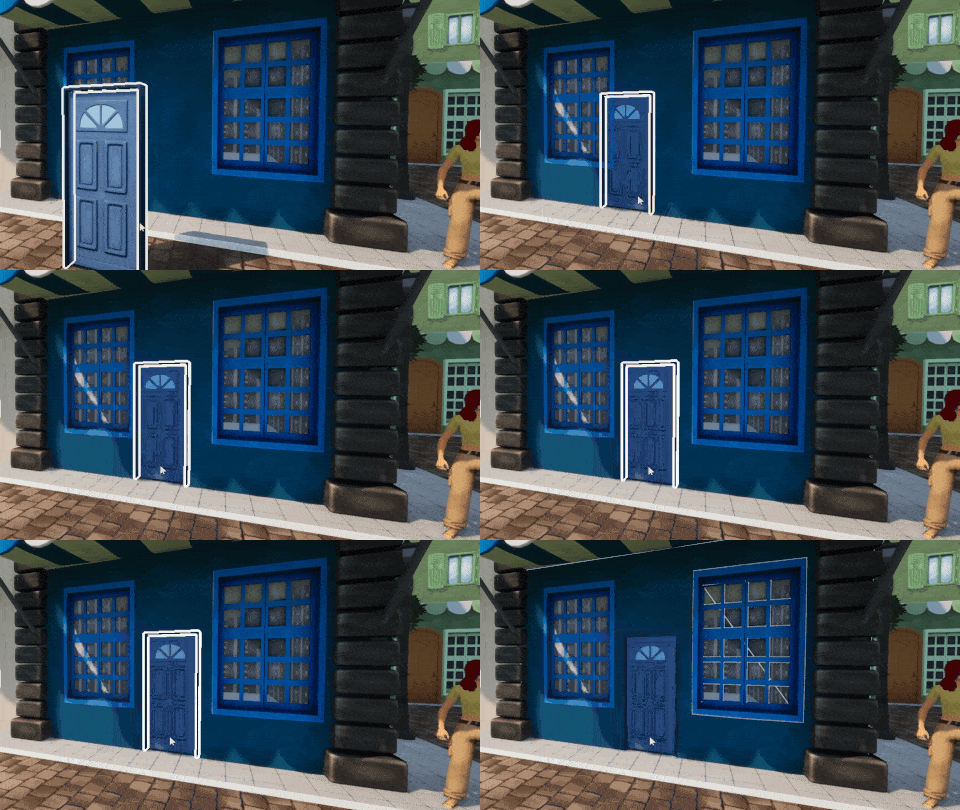
Place door tool Assigned to Jimmy
Door snapping Assigned to Logan
Pass through door Assigned to Nicolas
Camera management in doors Fix camera placement
Assigned to Jimmy
Open/close door on click in edit mode Assigned to Logan
Place window tool Assigned to Jimmy
Window snapping Assigned to Logan
Open/close windows Assigned to Jimmy
Color edition4
Texture sets2
Presets4
Pick color tool2
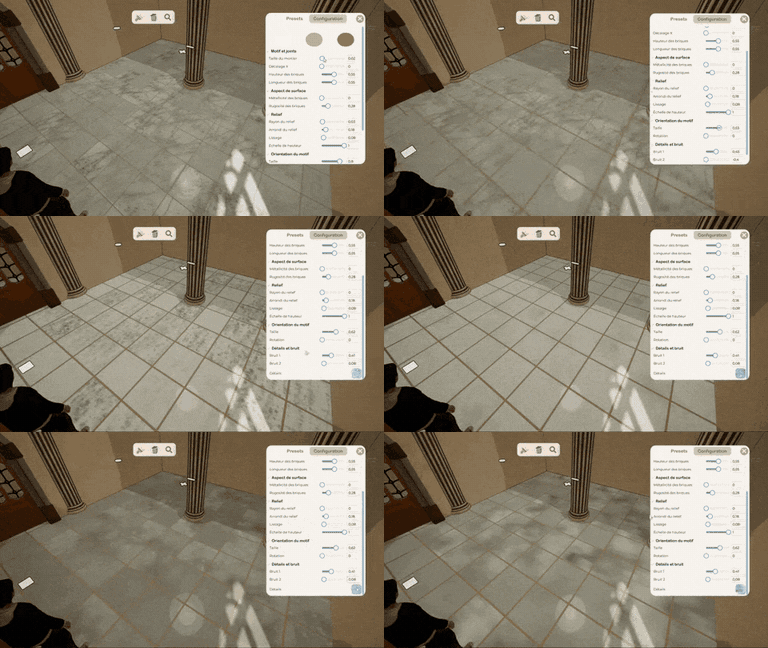
Procedural textures
Color groups Assigned to Nicolas
Edit color group Assigned to Nicolas
Edit individual color Assigned to Nicolas
Custom color presets Assigned to Nicolas
Multiple textures groups Assigned to Nicolas
Texture selection in group Assigned to Nicolas
Presets buttons Assigned to Nicolas
Create preset Assigned to Nicolas
Preset icon automatic generation Assigned to Nicolas
Remove preset Assigned to Nicolas
Pick the material of an object Assigned to Logan
Paste the material on another object Assigned to Logan
Flying camera3
Center on an object1
Define best controls Assigned to Jimmy
Add moving controls Assigned to Jimmy
Ability to move camera without keyboard Assigned to Jimmy
Camera centered on a specific object Assigned to Jimmy
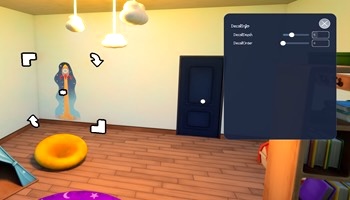
Add Decals1
Move Decals1
Edit Decals1
Add Decals Tool Assigned to Logan
Add Edit Decals Tool Assigned to Logan
Add settings menu for Decals Assigned to Logan
Lights creation and gestion5
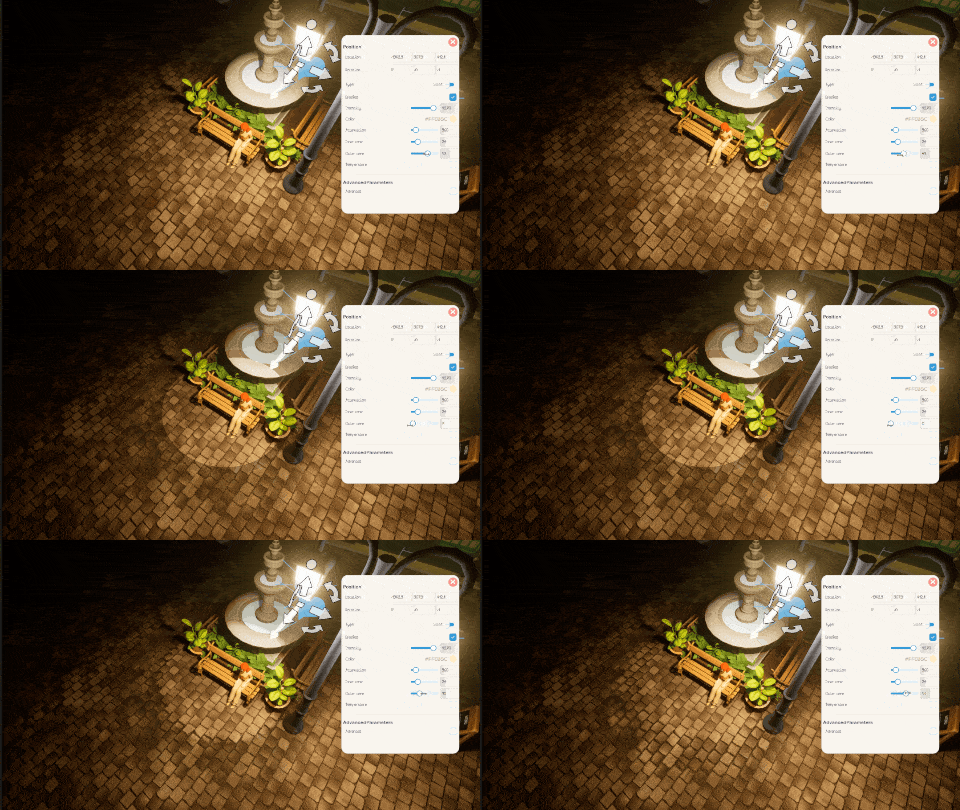
Create a custom Light Assigned to Logan
Delete a Light Assigned to Logan
Change Light type Assigned to Logan
Change Light settings Assigned to Logan
Attach a Light to an object Assigned to Logan
Moves3
Chat3
See other players spawn/leave Assigned to Lenny
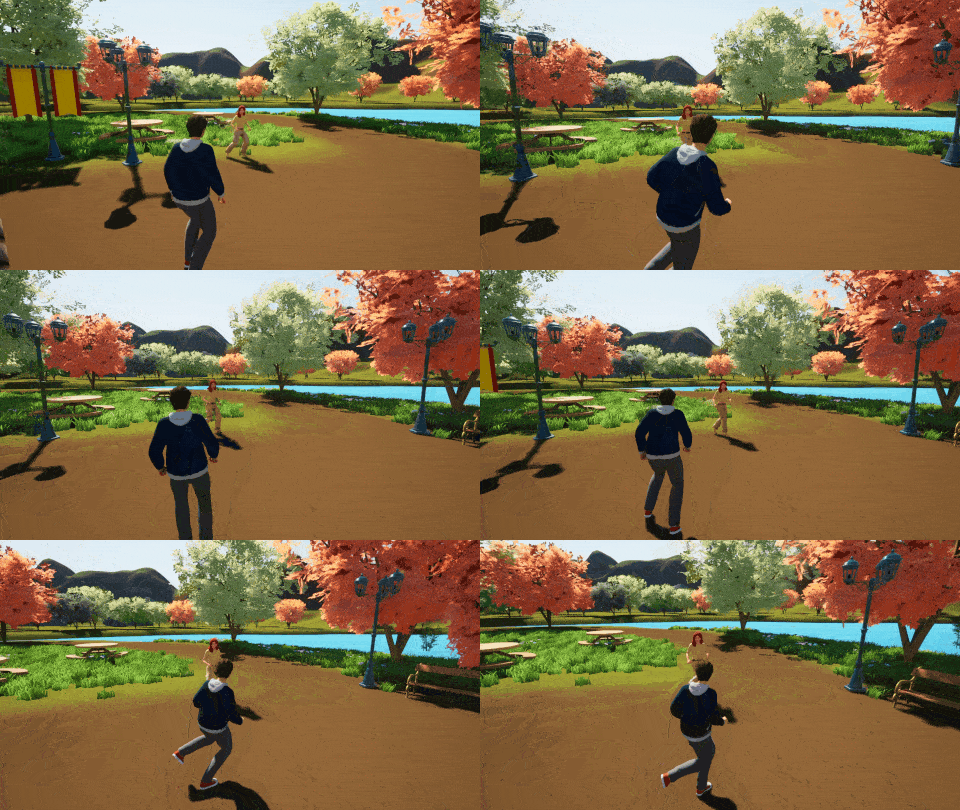
Synchronized locomotion animations Assigned to Jimmy
See other players outfits Assigned to Lenny
Display other players messages in the scene Assigned to Nicolas
Post a chat message Assigned to Nicolas
Proximity chat Assigned to Nicolas
Voice chat system3
Voice chat UI2
Integrations1
Send/receive inventory object2
Friendship system5
Relations system4
Exchange system Assigned to Nicolas
Rules depending on the world settings Assigned to Nicolas
Send friend request Assigned to Nicolas
Accept / decline friend request Assigned to Nicolas
Friendship notifications Assigned to Nicolas
Friend list Assigned to Nicolas
Steam integration Assigned to Nicolas
Define a relation status between two players Assigned to Nicolas
Relations presets Assigned to Nicolas
Relations conditions Assigned to Nicolas
Relations with NPCs Assigned to Nicolas
Quick interaction wheel2
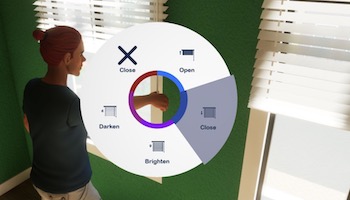
Quick interaction wheel Assigned to Lenny
Interactions icons Assigned to Chloé
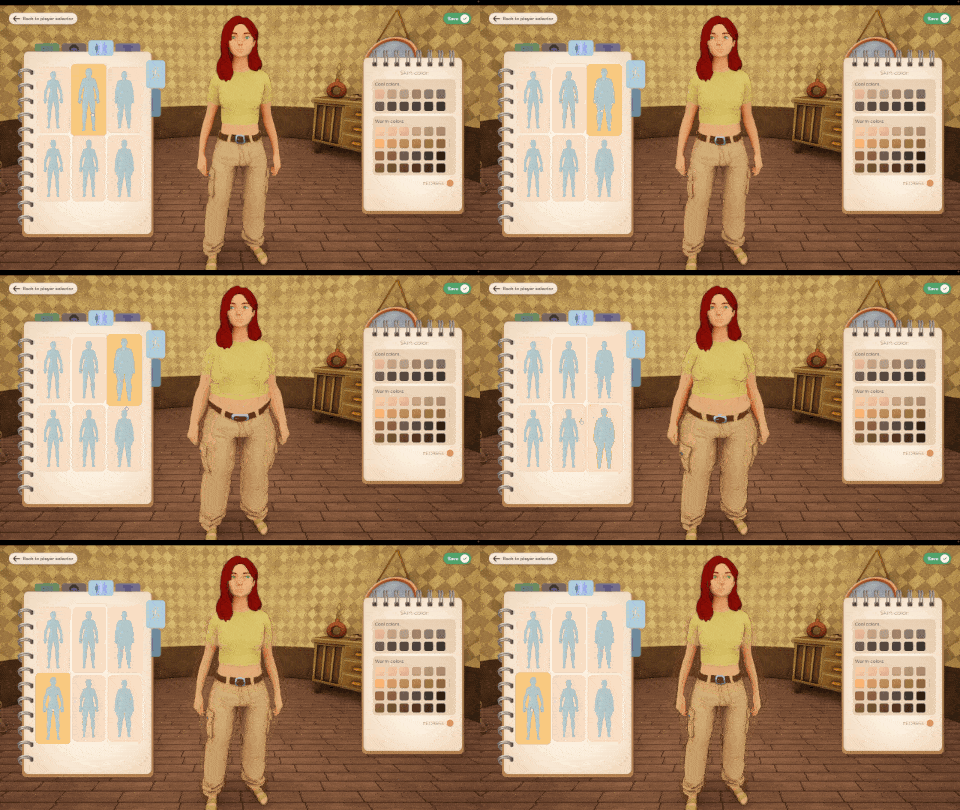
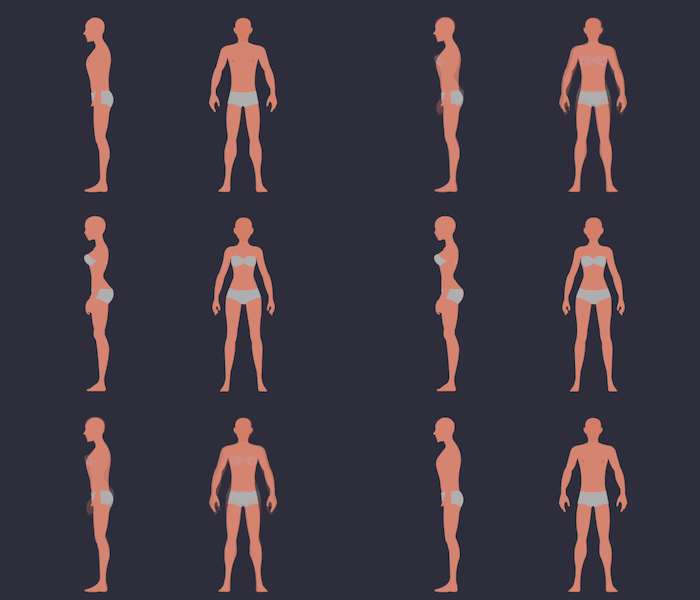
Morphology9
Armature11
Texturing3
Add a "love handles" morph target Assigned to Nicolas
Change "eyelids" morphs targets for bone controls Assigned to Nicolas
Start prosthetics meshes for main body parts Assigned to Nicolas
Define mesh cuts on body for handicaps Assigned to Nicolas
Basic androgynous mesh Assigned to Nicolas
Slim/fat global morph Assigned to Nicolas
Male/female global morph Assigned to Nicolas
Muscular global morph Assigned to Nicolas
Add nose shape morph Add a morph target for nose deformation (curved nose)
Assigned to Nicolas
Assign default bone to mesh deformations Assigned to Jimmy
Verify and fix weird body armature deformation Assigned to Jimmy
Add basic face control bones Assigned to Jimmy
Verify and fix face control bones Assigned to Jimmy
Create body rig controller for animation Assigned to Jimmy
Add cheeks thickness controls Assigned to Jimmy
Add cheekbones controls Assigned to Jimmy
Add jaw controls (position and shape) Assigned to Nicolas
Add ears controls (position, size, ...) Assigned to Nicolas
Add eyes controls (position, size) Assigned to Nicolas
Add nose controls (position, size) Assigned to Nicolas
Define all UV mappings of body's textures Assigned to Nicolas
Create eyelids textures Assigned to Nicolas
Find a way to create customizable eyelids (position, size) Assigned to Nicolas
Editor script3
Cloths script1
Define all available body controls Assigned to Nicolas
Assign body deformations relative to defined controls Assigned to Nicolas
Create multiple body shape presets Assigned to Nicolas
Create automatic morphs fitting script Assigned to Jimmy
Pause Menu5
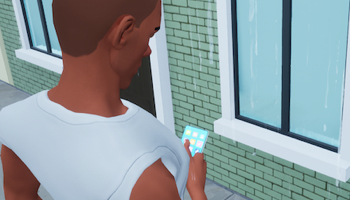
Phone menu5
Main settings2
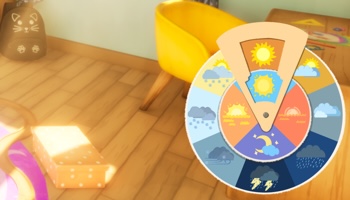
Weather wheel5
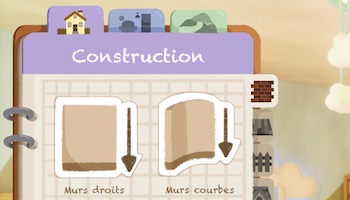
Construction menu9
Objects menu9
Environment menu5
Object edition menu4
Styles menu5
General menu5
Concept art Assigned to Chloé
Colors Assigned to Chloé
Icons Assigned to Chloé
Game-ready UI Assigned to Chloé
Integration Assigned to Nicolas
Concept art Assigned to Chloé
Game ready files Assigned to Chloé
Tabs icons Assigned to Chloé
Wall tools icons Assigned to Chloé
Floor tool icons Assigned to Chloé
Fences tools icons Assigned to Chloé
Roof tools icons Assigned to Chloé
Stairs tools icons Assigned to Chloé
Integration Assigned to Nicolas
Concept art Assigned to Chloé
Tabs icons Assigned to Chloé
Game ready UI Assigned to Chloé
Integration Assigned to Nicolas
Animations Assigned to Nicolas
Icons quick selection Assigned to Chloé
Painting tab (icon and color) Assigned to Chloé
Concept tags Assigned to Chloé
Concept fonction/room (dog-eared page)very low priority Assigned to Chloé
Concept art Assigned to Chloé
UI files Assigned to Chloé
Tabs icons Assigned to Chloé
Tools icons Assigned to Chloé
Integration Assigned to Nicolas
Object edition concept art Assigned to Chloé
Actions icons Assigned to Chloé
Game ready UI Assigned to Chloé
Integration Assigned to Nicolas
Concept art Assigned to Chloé
Game ready UI Assigned to Chloé
Colors bubbles mask Assigned to Chloé
Colors bubbles animations Assigned to Chloé
Integration Assigned to Nicolas
World settings icon Assigned to Chloé
Weather icon Assigned to Chloé
Exit icon Assigned to Chloé
Integration Assigned to Nicolas
Animations Assigned to Nicolas
World access5
Day & night cycle3
Weather4
Chat8
Players3
Money system5
Construction options3
Phone menu3
Music2
Interactions2
Main settings5
NPCs and quests4
Lots types4
Lots creation system4
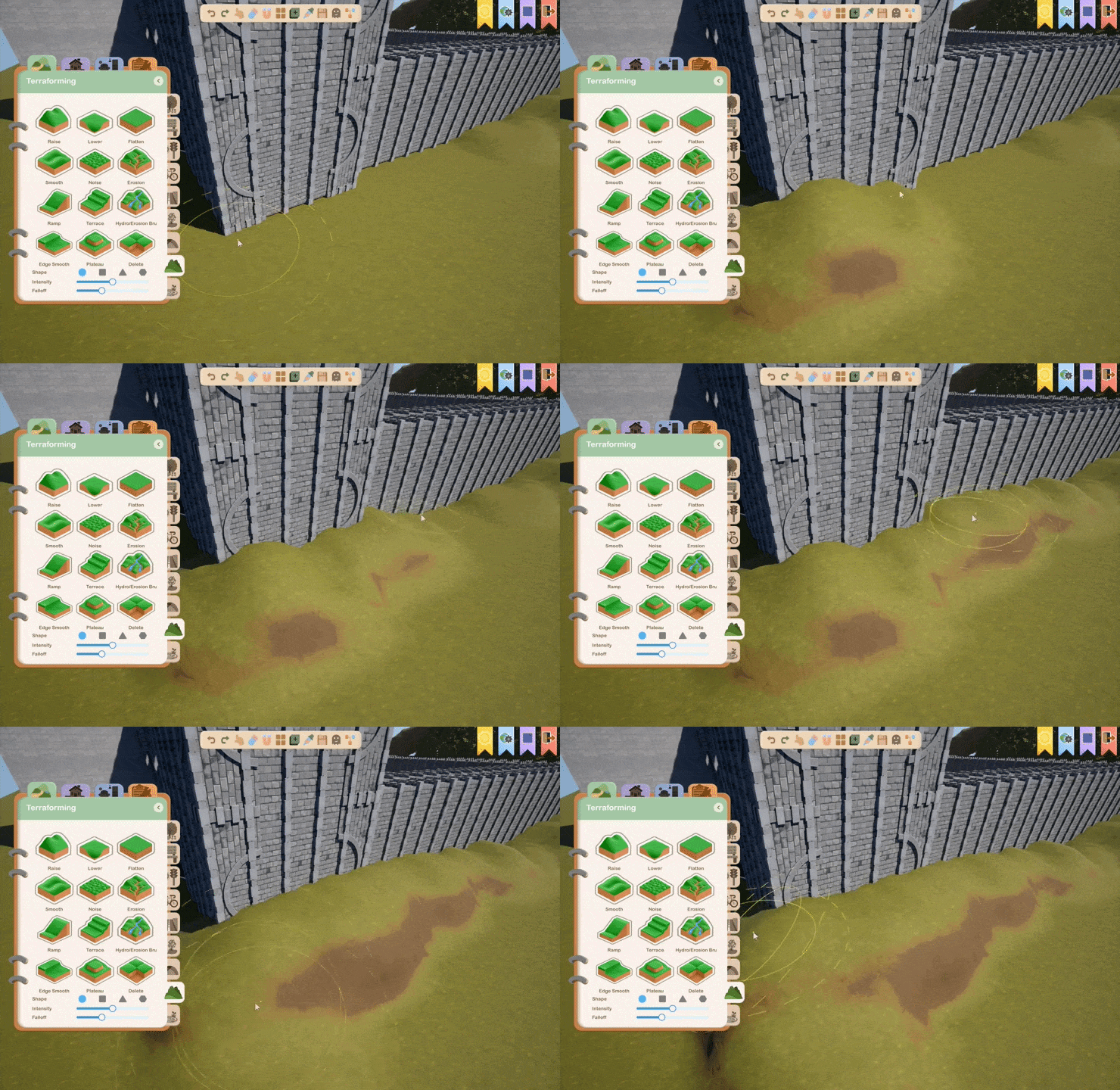
Raise tool6
Flatten tool3
Noise tool4
Ramp tool2
Lower tool
Brushes2
Save2
Grass system4
Foliage placement3
Seasons effects2
Path tool3
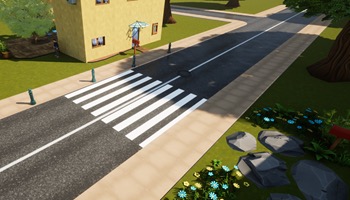
Roads and sidewalks3
NPCs paths generation2
Circulation system4
Rails1
River tool2
Lake tool4
Bridge creation3
Routines1
Reactions to the world2
Needs system1
NPCs creation and gestion6
Spawner2
Animations1
Dialogue management and assignment8
Dialog display4
Block editor8
Simulation2
Manage and edit display8
Visualize quest progression2
Create and modify a quest4
Skateboard6
Basic controls Assigned to Jimmy
Physics parameters Assigned to Jimmy
Grinding and tricks Assigned to Jimmy
Objects configuration Assigned to Jimmy
Camera Assigned to Jimmy
Achievements Assigned to Jimmy
Sled2
Gliding base systemlow priority Assigned to Nicolas
Define all custom parametersvery low priority Assigned to Nicolas
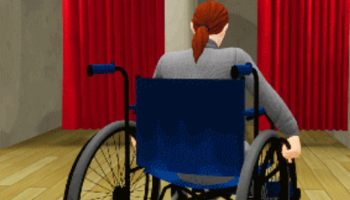
Wheelchair2
Car5
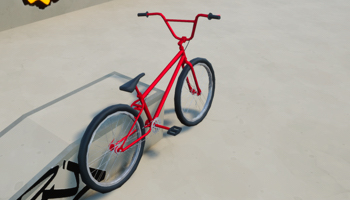
Bike6
Wheelchair locomotion Assigned to Nicolas
Prevent unavailable actions Assigned to Nicolas
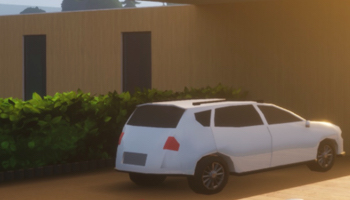
Getting into a car Assigned to Nicolas
Getting out of a car Assigned to Nicolas
Controls & physics Assigned to Nicolas
UI Assigned to Nicolas
Cameras Assigned to Nicolas
Get on a bike Assigned to Nicolas
Controls Assigned to Nicolas
Physics parameters Assigned to Nicolas
Procedural animations Assigned to Nicolas
Fall system Assigned to Nicolas
Cameras Assigned to Nicolas
Jetpack3
Base fly system Assigned to Nicolas
Physics parametersvery low priority Assigned to Nicolas
Controlsvery low priority Assigned to Nicolas
Train3
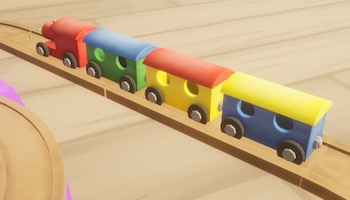
Rail systemlow priority Assigned to Nicolas
Train animationsvery low priority Assigned to Nicolas
Stations systemvery low priority Assigned to Nicolas
Crutches2
Locomotion animations Assigned to Nicolas
Prevent incompatible actions Assigned to Nicolas
Walk4
Crutches2
Wheelchair2
Skateboard1
Bike3
Car3
By feet Assigned to Chloé
With a cane Assigned to Chloé
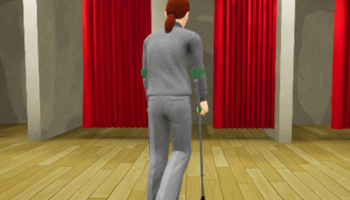
With crutches Assigned to Chloé
In wheelchair Assigned to Chloé
Locomotion animations Assigned to Chloé
Social gestures animations Assigned to Chloé
Locomotion animations Assigned to Chloé
Social basic animations Assigned to Chloé
Basic animations Assigned to Chloé
Get on a bike animations Assigned to Chloé
Falling animations Assigned to Chloé
Locomotion procedural animations Assigned to Chloé
Get into a car animations Assigned to Chloé
Getting out of a car Assigned to Chloé
Drive a car Assigned to Chloé
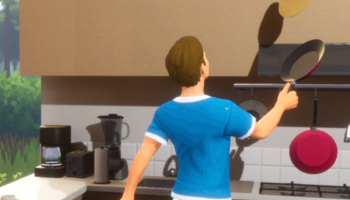
Eat with fork6
Left handed Assigned to Chloé
Right handed Mirror left handed
Assigned to Chloé
[Blind] Left handedlow priority Head more over the plate
Move the fork almost vertically (to prevent fall out of the plate)
Half open the mouth when close, then touch the mouth first with the fork before full openning
Assigned to Chloé
[Blind] Right handedlow priority Mirror left handed
Assigned to Chloé
[Prostetic] Left handedlow priority Assigned to Chloé
[Prostetic] Right handedlow priority Mirror left
Assigned to Chloé
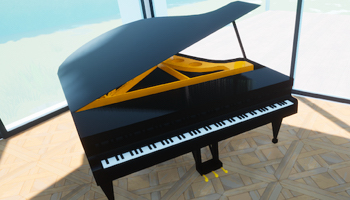
Piano1
Play piano animations Assigned to Chloé
Acrophobia2
Ailurophobia (cats)1
Arachnophobia2
Cynophobia (dogs)1
Entomophobia (insects)1
Ichtyophobia (fishs)1
Ornithophobias (birds)1
Agoraphobia1
Claustrophobia1
Hemophobia (blood)1
Safe spaces2
Social learning1
Controlled multisensory environment1
Design safe space experiences Assigned to Jimmy
Create a list of safe space subjects Assigned to Jimmy
Social learning experience list Assigned to Jimmy
Haptic feedback research How haptic feedback can reproduce tactile senses
Assigned to Jimmy
Meditation1
Design meditation experience
Leo the wolf2
Leo's characters dubs The dubbing of the characters in Leo the Wolf was done by a child with cystic fibrosis and the caregivers/doctors from the Nancy CHRU.
First therapeutic experience used in hospital
Step stool1
Grab rail1
Shower chair1
Chair stair lift1
Wheelchair platform lift1
Tactile paving1
Wood step stool
Grab rail parts
Shower chairs
Chair stair lift parts
Wheelchair platform lift part
Tactile pavings
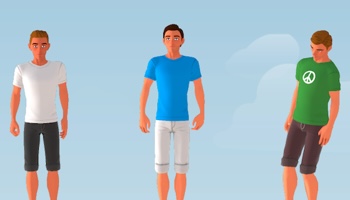
Body2
Tops5
Bottoms6
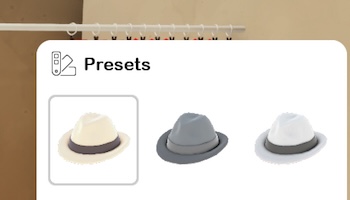
Hats5
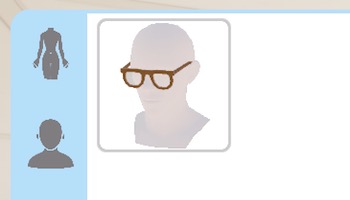
Face accessories2
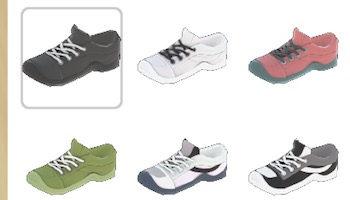
Shoes6
Tattooes1
Wrist accessories2
Full outfits4
Hairstyle2
Create defaut female skin texture
Create defaut male skin texture
Create basic tee-shirt mesh Assigned to Nicolas
Create basic jacket mesh
Create basic sweat-shirt mesh Assigned to Nicolas
Create basic shirt mesh
Create basic tank top mesh
Create basic shorts mesh Assigned to Nicolas
Create basic jeans mesh Assigned to Nicolas
Create basic short skirt mesh
Create basic long skirt mesh
Create basic leggings
Create basic sweat pants mesh
Create basic hat mesh Assigned to Nicolas
Create basic top hat mesh
Create basic cap mesh
Create basic sunhat mesh
Create basic pompom beanie mesh
Create basic glasses mesh Assigned to Nicolas
Create basic earings mesh
Create basic shoe mesh Assigned to Nicolas
Create basic boots mesh
Create basic flip flops mesh
Create basic sneakers mesh Assigned to Nicolas
Create basic sleepers mesh
Create basic rain boots mesh
Create basic tattoo texture
Create basic watch mesh
Create basic bracelet mesh
Create basic dress mesh
Create basic overalls mesh
Create basic suit mesh
Create basic winter coat mesh
Short hairs
Long hairs
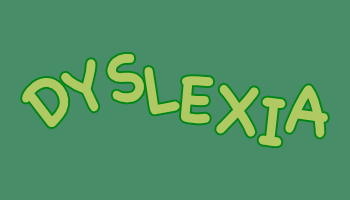
Dyslexia friendly font2
Make the font follow all the guidelines Assigned to Chloé
Add a specific font to help people with dyslexia Assigned to Nicolas
Allow every action to be remapped6
Eye trackers1
Controllers sensibility filters1
Game menu to remap every actions Assigned to Nicolas
Check for PC platforms Assigned to Jimmy
Check for mobile/tactile platforms Assigned to Jimmy
Check for VR platforms Assigned to Jimmy
Check for consoles Assigned to Jimmy
Mapping presets Assigned to Jimmy
Handle eye-trackers inputs Assigned to Jimmy
Controls to adjust all inputs sensibility Assigned to Nicolas
Add visual feedback to sounds2
Add haptic feedback to sounds4
Add auto subtitles2
Add sign language2
Create guidelines to add visual feedbacks to sounds Assigned to Jimmy
Check all sound feedbacks
Guidelines on haptic feedbacks Assigned to Jimmy
Haptic feedback system Assigned to Jimmy
Haptic feedbacks options Assigned to Nicolas
Check all feedbacks
Auto subtitles system Assigned to Nicolas
Auto subtitles configuration Assigned to Nicolas
Add [en] sign language to all fast actions Assigned to Jimmy
Add [en] sign language to all basic interactions Assigned to Jimmy
Color blind2
High contrast3
Increased font size2
Zoom2
Color blind theme Assigned to Chloé
Color blind theme tests
High contrast theme Assigned to Chloé
High contrast theme integration Assigned to Nicolas
Tests
Font size controls Assigned to Nicolas
Font size UI checks
Zoom system definition Assigned to Jimmy
Zoom system Assigned to Jimmy
The roadmap is an essential strategic tool that outlines the various stages of the game's development.
With it, you can easily track our progress on the project.
If you support us on Patreon, you can also vote for what matters most to you and access the entire roadmap!